
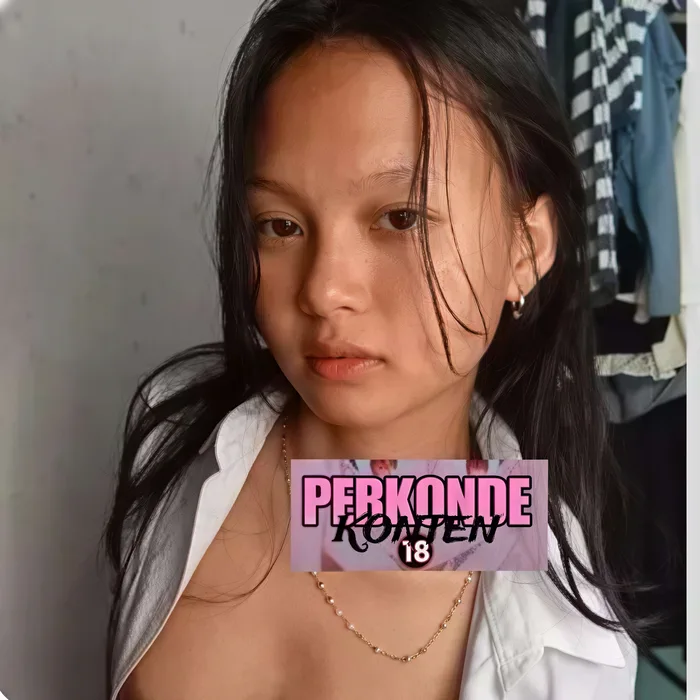
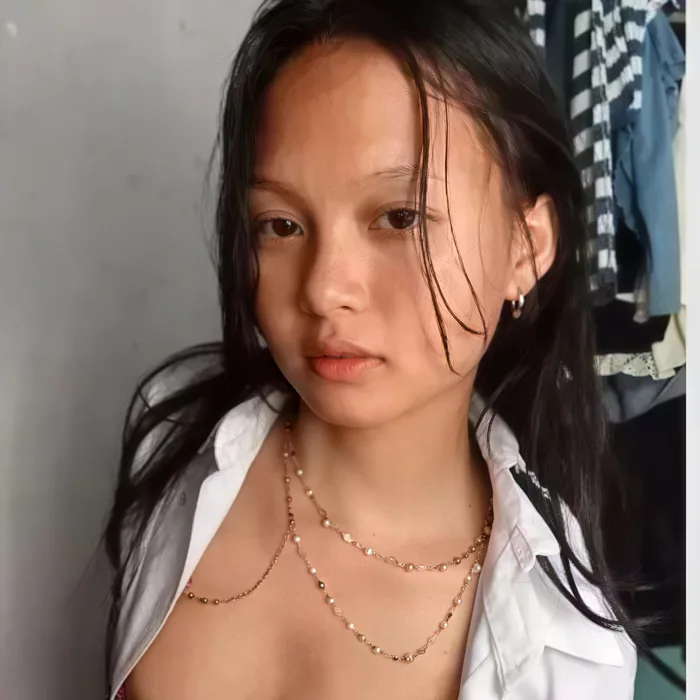
Before / After
Clear a sticker off a portrait
Stickers parked over a face or body are the hardest to erase by hand. Brush the overlay and the AI rebuilds skin tone, hair, and background pixel-for-pixel — leaving the rest of the portrait untouched.
Erase stickers, emoji, chat bubbles, and overlay graphics from any screenshot or photo. AI generative fill rebuilds the content underneath. Free, no signup, 2 removes a day.
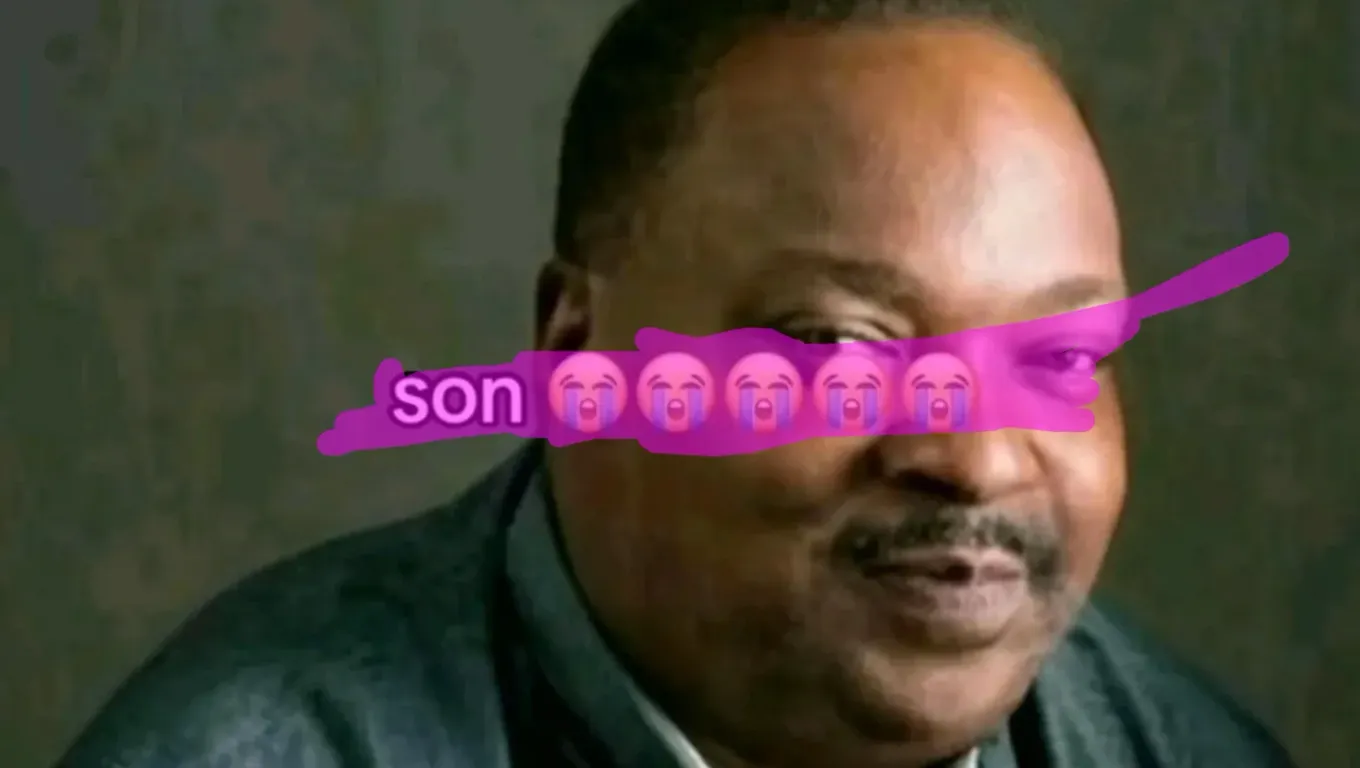
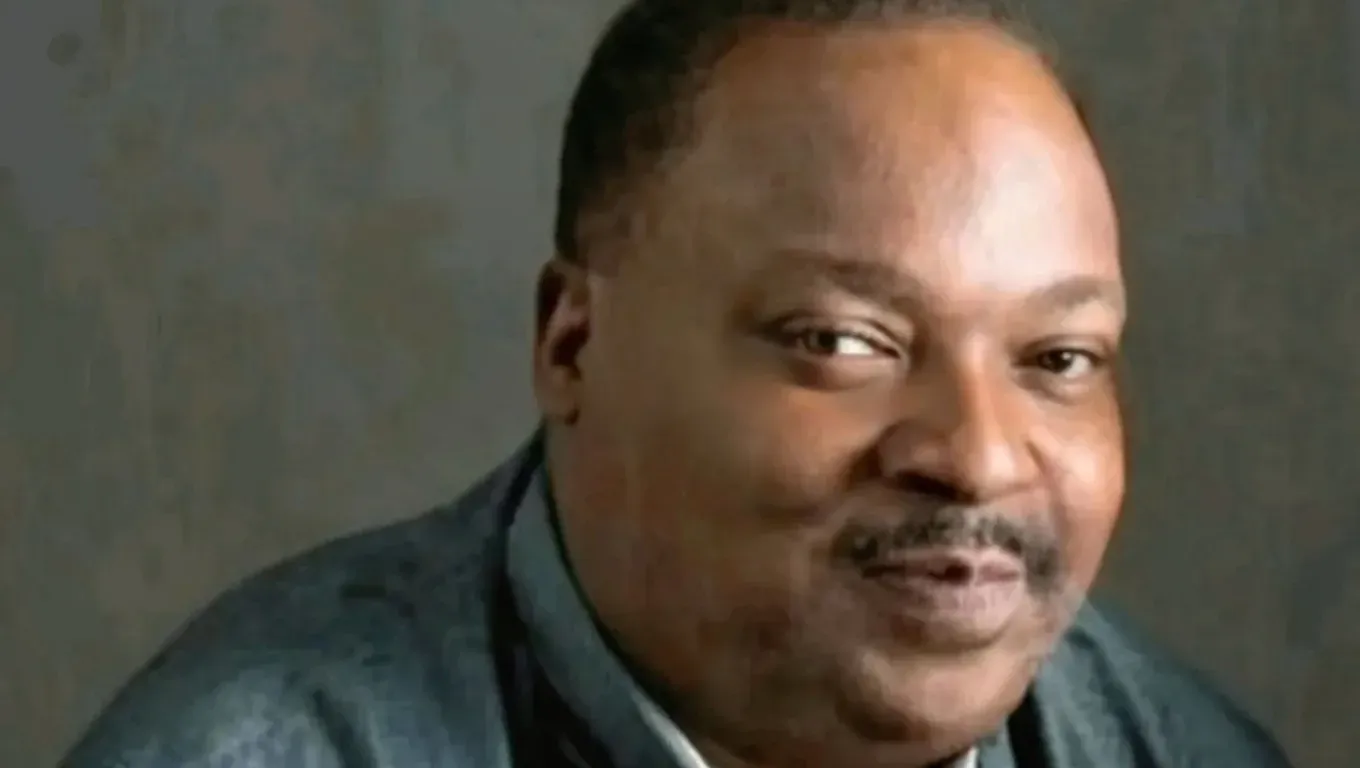
Before / After
Sticker removed
Stickers parked over a face or body are the hardest to erase by hand. Brush the overlay and the AI rebuilds skin tone, hair, and background pixel-for-pixel — leaving the rest of the portrait untouched.
To remove a sticker or emoji from an image free: upload the screenshot or photo, brush over each sticker, emoji, chat bubble, or overlay graphic, and tap Remove. In about 20–30 seconds the AI redraws what was underneath. It’s 2 a day free, 2after a Google sign-in, with no watermark on the output. Aesthetic cleanup works well; a sticker covering a whole face is rebuilt as a plausible face, not the original person’s exact features.
Stickers and emoji are unusually hard for traditional inpainting because of what is typically underneath them. A watermark sits on photographic background — sky, foliage, fabric, a predictable texture. A sticker, in contrast, often sits on a face, on chat UI, on text, or on a complex composition where context from neighbouring pixels is misleading. A simple eraser that just blurs the masked area into the closest matching surroundings produces, on a face, an unsettling smear.
A generative AI model takes a different approach. It generates new pixels from its learned sense of what photos and screenshots look like, guided to restore clean background content. When the sticker is over a face the model generates a plausible face; when it’s over a chat bubble it generates plausible UI chrome. The result isn’t the exact content that was underneath, but it looks like it belongs.
The trade-off is that the model regenerates the whole image, so pixels outside the mask drift by a small amount. For social-media cleanup that’s almost never noticeable. This page is the right fit for Instagram stories, Snapchat exports, WhatsApp screenshots, and meme pictures — the small drift doesn’t matter and the generative strengths do.
Upload the screenshot or photo
Drag any JPG or PNG into the upload card — chat screenshots, Instagram stories, TikTok exports, meme pictures, anything with stickers or emoji pasted on top. Images larger than 1536 px on the longest edge are automatically downscaled client-side before upload. Your aspect ratio is preserved; the AI does not lock the output to a square.
Brush every sticker, emoji, and overlay
Paint over each element you want gone — smiley-face stickers, heart reactions, chat bubbles, platform watermarks, filter effects, censor bars. For stickers with hard edges (most platform-generated emoji) add 4–6 pixels of margin beyond the sticker border so the AI has clean context to rebuild. For layered overlays (filter frames that wrap the whole image), paint each element separately for best results.
Download the clean version
Tap Remove. The AI takes roughly 20–30 seconds to redraw the masked regions with plausible content — skin tones, background textures, text behind the sticker, whatever was there originally. Hit Download for a PNG at your photo's aspect ratio. Sharing the clean image back to social without the original platform's sticker is now possible, though do respect each platform's terms of service.
Instagram and Snapchat stickers
Location tags, GIF stickers, countdown timers, music stickers, AR filter frames. The AI handles the round corners and animated-looking shapes that simpler erasers tend to over-smooth.
Emoji you added to your own photos
You covered your own face with a 😂 before posting and now want a clean copy — paint the emoji and the AI redraws the area. Expect a natural-looking but invented face, not the original features: it tidies up your own pictures, it does not uncover anyone else's.
Chat bubble balloons and message overlays
WhatsApp, iMessage, Telegram, WeChat bubble shapes covering the background of a screenshot. The AI reconstructs the app UI or wallpaper behind the bubble.
Platform watermarks and branding
TikTok usernames, Snapchat time stamps, Instagram 'remixed from' labels — anything a social app stamps onto a shared image.
Censor bars and privacy mosaics
Black bars across eyes or sensitive text, pixelation mosaics over license plates or name tags. The AI can sometimes rebuild underneath, though heavily pixelated regions have less context to work with.
Meme text and overlay typography
Classic meme-format bold-white text, TikTok-style subtitle overlays, 'POV' labels, reaction captions. The text is painted over just like any other sticker.
Paint the whole sticker including drop shadows
Many stickers have a subtle drop shadow beneath them. A tight mask that only covers the opaque pixels leaves a faint halo. Zoom in and paint 3–5 pixels past the sticker's visible edge to catch the shadow.
For animated GIF stickers, upload a still frame
GIFs are a sequence of frames. Upload the still frame you care about cleaning; the tool works on a single image at a time. To clean a full GIF you would need to process each frame individually and re-encode.
Very large stickers covering faces will be approximations
If a heart emoji covers most of a person's face, the AI has very little to work with. The result will be a plausible-looking face but NOT the original person's actual features. Use this for aesthetic recovery, not identity recovery.
Recover platform UI text behind bubbles
The AI is surprisingly good at rebuilding recognisable iOS / Android UI text when a chat bubble covers it. The exact message text will be invented (it has no way to know what the original said), but the UI chrome is usually restored well.
Stickers and emoji usually sit on screenshots and memes, and once they are gone the caption underneath is often the next thing you want to change. Erasing it here leaves a clean background; if you would rather have different words, our sister site EditTextImage rewrites them instead. It can edit text in screenshots without disturbing the UI font or status bar, keep the same font when it re-renders a line, edit the text in JPG files saved from a chat, and replace text in photos for free on the first edit.
Generative fill means slight drift everywhere
The AI regenerates the whole image, so areas outside your mask are visually close to the original but not pixel-identical. The change is concentrated on what you brush; for most screenshots and photos the rest is indistinguishable from the original.
Faces behind stickers will look 'like a face' not THE face
When a sticker covers a face, the AI invents facial features from context. The reconstructed face is anatomically plausible but not the actual person's likeness. This is why aesthetic cleanup works but identity recovery does not.
Heavily pixelated censors cannot be reliably 'decensored'
Aggressive mosaic or black-bar censoring destroys information. The AI will invent plausible pixels underneath, but those are fabrications, not recovered originals. Do not use these results to identify censored people or read blurred text with any confidence.
Free AI Object Remover
The homepage version of this tool — the same AI, a quick start for simple removals.
Remove Watermark from Photo
AI watermark remover — diagonal © lines, corner stamps, signatures, and logo overlays.
Remove People from Photo
AI background people remover. Handles crowds and passers-by with a full scene rebuild.
Powered by apimodels.app — a unified AI image generation API