
100% FreeForever FreeNo LoginHD Download

Free AI Object Remover — Erase Anything from Your Photos

Erase anything from your photos in seconds. Brush any object, person, text, or watermark out of a photo — no signup, no watermark. 3 free edits a day, 5 after you sign in.

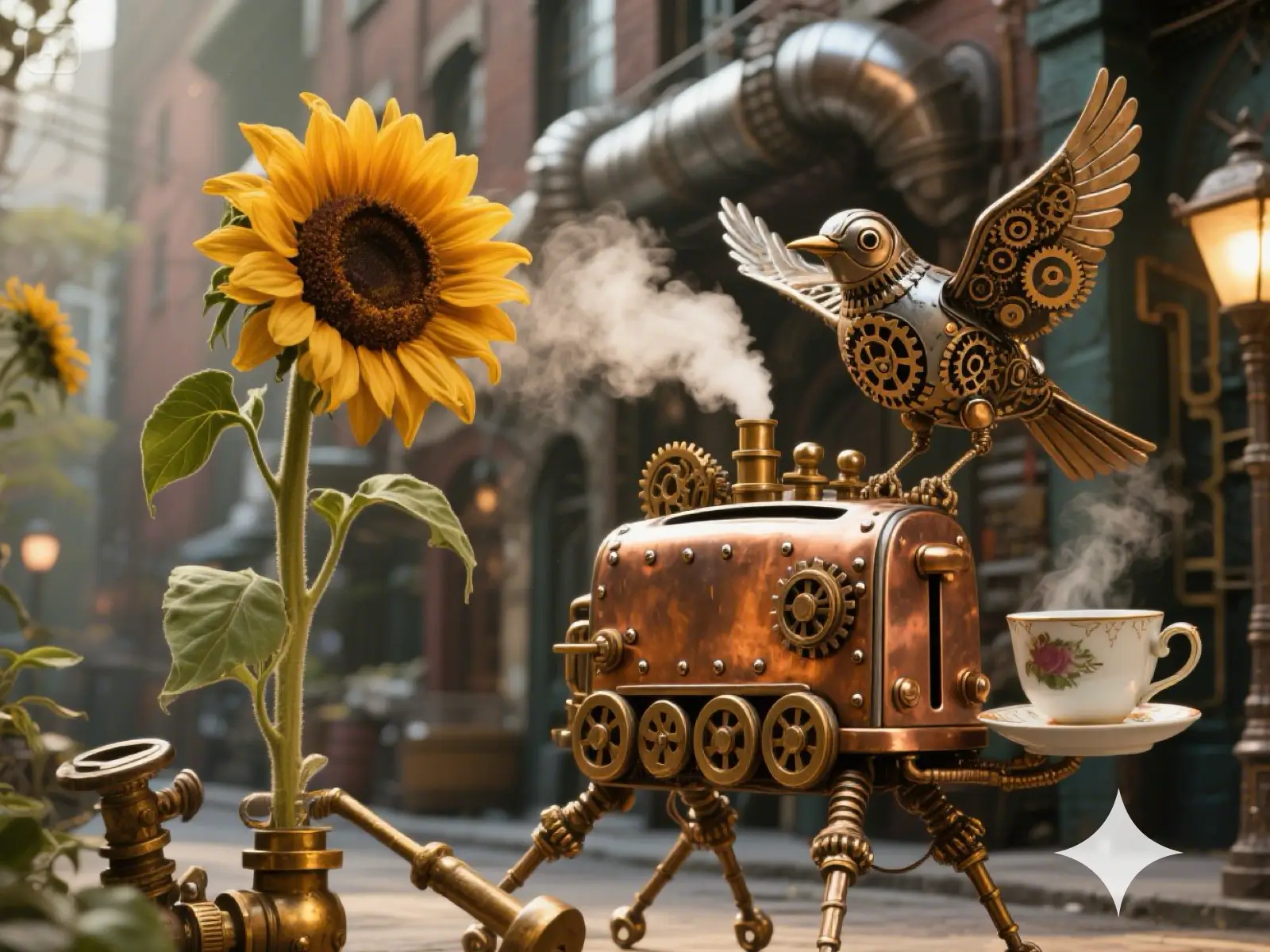
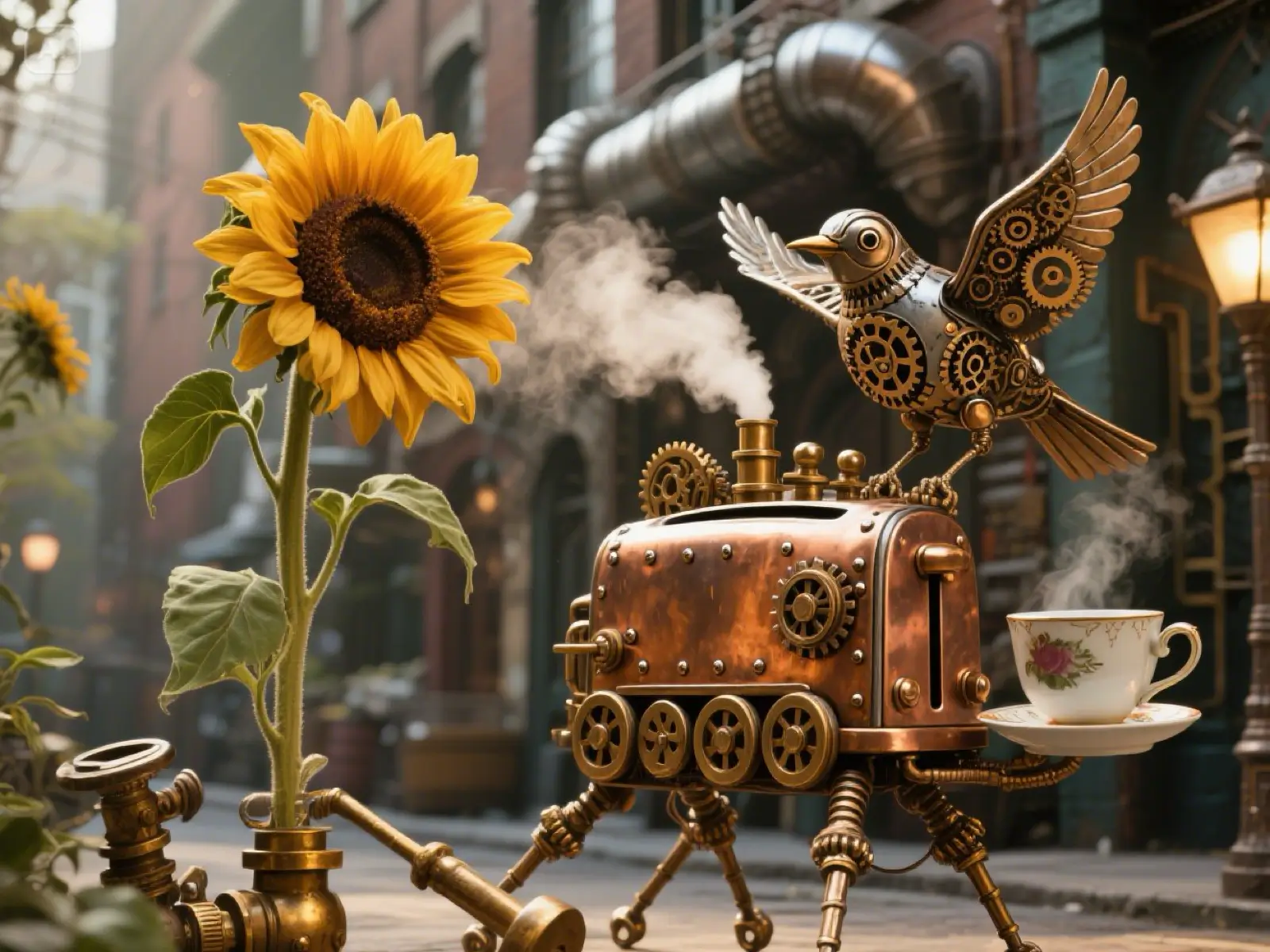
Erase unwanted objects and clutter — before
Erase unwanted objects and clutter — after
ObjectPeopleWatermarkText

Before / After

Erase unwanted objects and clutter

What you can remove

One AI eraser. Every kind of unwanted pixel.

From tourists in your travel snaps to watermarks on stock photos, MagicRemover handles it in one brush stroke.

Photo with an unwanted object — before
Photo with an unwanted object — after
ai object remover

AI Object Remover

An AI object remover erases any unwanted object from a photo in seconds. Paint over the item — a trash can, power line, parked car, or dropped cable — and MagicRemover predicts the pixels that belong behind it, stitching a realistic background back together.

  • Street clutter, cables, and construction debris
  • Dropped gear, bags, and random foreground objects
  • Parked vehicles, traffic cones, and signage posts
Try AI Object Remover free
AI-generated image with a Gemini watermark — before
AI-generated image with a Gemini watermark — after
remove watermark from photo

Remove Watermark from Photo

MagicRemover lets you remove the watermark from any photo — copyright stamps, diagonal overlays, artist signatures, and burned-in logos. The AI inpainting model reconstructs the background texture — sky, wall, foliage — so the final photo looks untouched. Only remove watermarks from images you have the right to edit.

  • Diagonal text watermarks and © marks
  • Corner studio signatures and stamps
  • Semi-transparent overlays across full images
Try Remove Watermark from Photo free
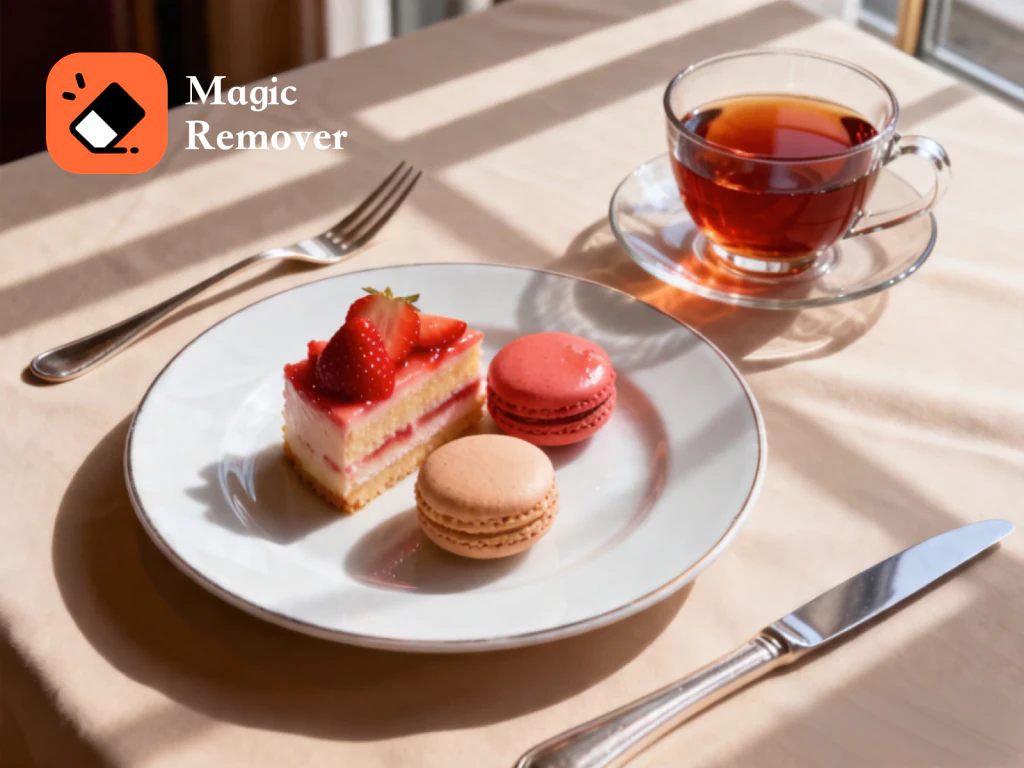
Dessert plate with MagicRemover logo overlay — before
Dessert plate with MagicRemover logo overlay — after
logo remover

Logo Remover

The logo remover tool cleans brand marks, TV bugs, and sponsor patches off photos. It works on clothing, packaging, storefronts, and broadcast stills — ideal for product mockups, royalty-free asset cleanup, and design previews where brand associations must be removed.

  • T-shirt, hat, and jersey logos
  • Live broadcast TV station bugs and tickers
  • Billboards, storefronts, and packaging brand marks
Try Logo Remover free
Photo with burned-in text — before
Photo with burned-in text — after
remove text from image

Remove Text from Image

MagicRemover lets you remove text from any image — date stamps, subtitles, captions, meme text, and burned-in watermark phrases. The AI recovers the pixels underneath so the original framing and subject stay intact. Perfect for cleaning screenshots, scanned memorabilia, and dated family snapshots.

  • Camera date and timestamp overlays
  • Subtitles, captions, and meme typography
  • Copyright notices and attribution strips
Try Remove Text from Image free
Crowded scene with passers-by — before
Crowded scene with passers-by — after
background people remover

Background People Remover

The background people remover clears photobombers, tourists, and background pedestrians from your photo while the subject stays crisp. Brush every unwanted person — even clusters of them — and the AI fills in sky, water, wall, or sidewalk in their place. Great for travel shots, venue photography, and candid portraits.

  • Single photobombers behind your subject
  • Dense tourist and concert crowds
  • Pedestrians and onlookers along the street

Try Background People Remover free
Screenshot with sticker overlay to remove — before
Screenshot with sticker overlay to remove — after
sticker remover

Sticker & Emoji Remover

A sticker and emoji remover erases pasted-on graphics — Instagram stickers, Snapchat overlays, emoji reactions, chat bubbles, and censor bars — from any screenshot or photo. MagicRemover recovers the pixels underneath so the original content shows through intact. Ideal for recovering clean social media screenshots and cleaning up chat captures.

  • Instagram, Snapchat, and TikTok stickers
  • Emoji reactions pasted over faces
  • Chat bubble balloons and message overlays
Try Sticker & Emoji Remover free
How it works

Three steps. About thirty seconds.

  1. 1

    Upload a photo

    Drag and drop any JPG or PNG, or click to pick one. Images over 1536px are resized automatically.

  2. 2

    Brush the object

    Paint a red mask over every pixel you want gone. Use Undo, Clear, and the brush-size slider to be precise.

  3. 3

    Download the result

    Tap Remove objects. In about 15 seconds the AI returns a clean photo — download it as PNG.

Why MagicRemover

Free, fast, and refreshingly simple.

100% free

5 edits every day, forever. No credit card, no trial, no paywall.

No signup

Open the page and start editing. Your browser tracks your daily count.

High quality

Backed by a state-of-the-art inpainting model that reconstructs background detail.

Privacy-first

We don't store your uploads or results. Images leave memory after each request.

FAQ

The stuff people ask.